Verified 15 September 2026.
Most failed claims are eligibility failures, not spend failures. The account was never in the program. The $1,000 still left the card.
Read this page before you open Ads Manager. The offer is one pass per TikTok For Business entity. A wrong structure burns it.
The live ladder and partner attach live on TikTok ads credit and TikTok ads coupon. This page is only who.
The short test
You are in if all of these are true:
- Brand-new self-serve SMB TikTok Ads Manager account
- Zero prior ad spend on TikTok Ads Manager under this identity
- Account was not created by an Agency or Business Center that already took an incentive
- Account is not a TikTok Shop–linked advertiser that has already advertised
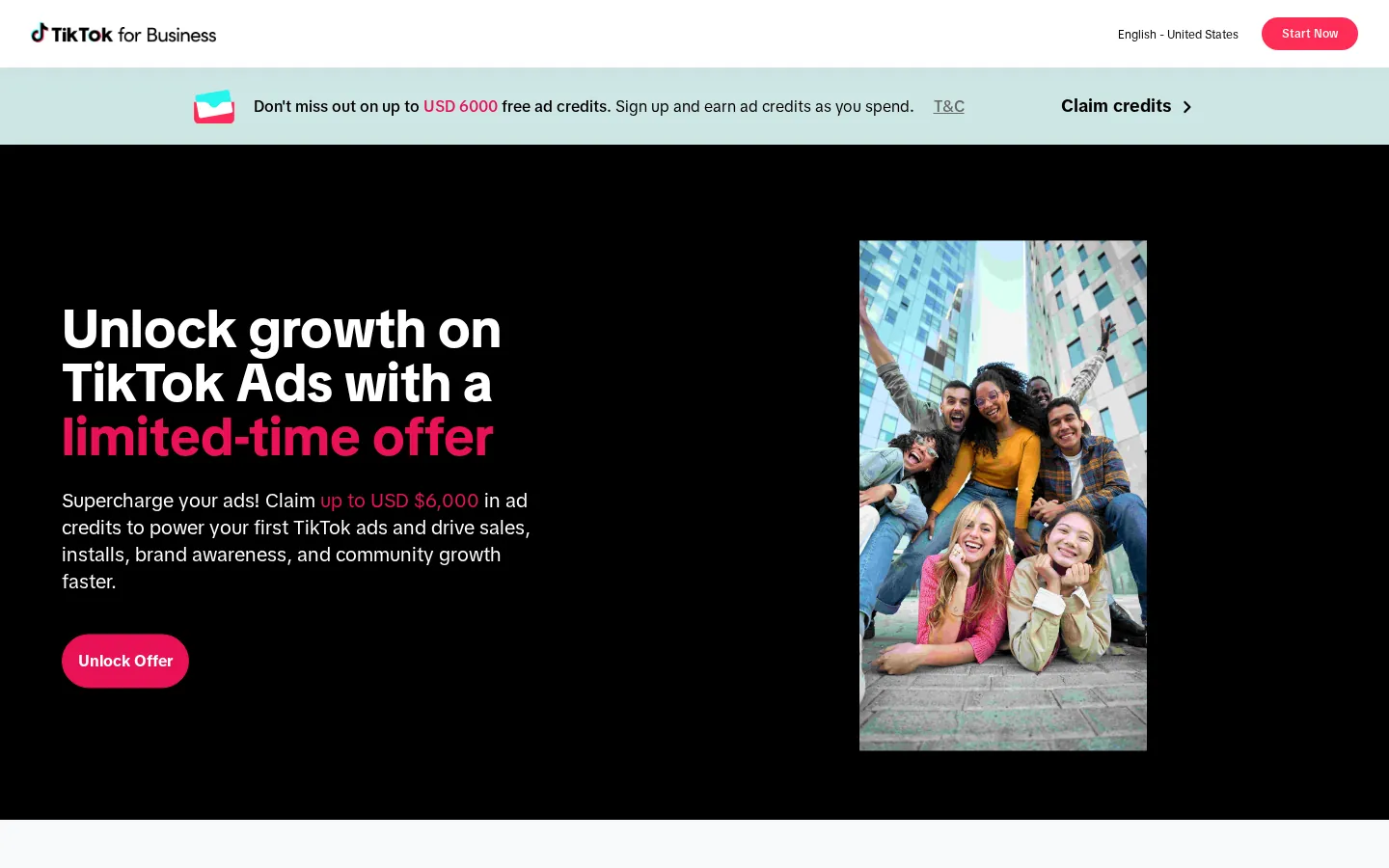
- You will register through a page that shows the offer (the partner link, not a cold
ads.tiktok.comtab) - Registration country matches where the business actually operates
- Payment method TikTok accepts in that country
- Inventory will stay inside advertising policy
If any line is no, stop. Opening the account starts the 30-day clock and uses the one-time slot.
Four account types TikTok treats differently
Official new-advertiser language splits the world by how the advertiser ID was born. That is the filter. Not your monthly revenue.
1. Self-serve SMB — the $6,000 ladder
This is the partner-link offer. New founder, new brand, new app, new lead-gen account. You create Ads Manager yourself. No agency parent. No Shop advertiser already attached.
One new advertising account under one new TikTok For Business login. A second advertiser under the same TT4B / Business Center does not get a second ladder.
2. Business Center / agency-created — blocked from this ladder
Official rule, almost verbatim: the new advertising account cannot be an Agency or Business Center–created account. If the existing account already received the coupon, a new advertiser under the same TikTok For Business / Business Center account will not get it again.
Agencies still have a path. It is not this page’s table. Agency Advantage / Channel Sales Partner programs are a separate match, claimed up to $10,000 on some partner tracks, with their own spend windows. Do not open a client child account and expect the public $6,000 card.
3. TikTok Shop–linked — different stack
Shop sellers usually receive an advertiser account automatically. Official Shop acquisition incentives run in Seller Center, not as this SMB ladder.
Shop path: Seller Center → Marketing → Shop Ads → connect the advertiser → banner or Coupon Progress on the Ads Dashboard.
Shop geos (official): US, GB, VN, TH, ID, MY, PH, SG, JP, FR, IT, DE, IE, ES, MX, BR.
Shops already connected to an advertiser with prior ad activity may be excluded. If the entire media plan is Shop / GMV Max only, do not assume Product Sales spend fills the self-serve $6,000 ladder. Some partner programs explicitly say Shop spend does not count toward that match. Check the card on your landing page.
4. “Highly similar” accounts — silent decline
Official Help: accounts identified as highly similar to existing or previously active advertisers may not be eligible.
TikTok does not publish the similarity model. In practice the same legal entity, site, pixel, card, or phone number on a “new” login is enough. Five fresh advertiser IDs on one Visa do not create five ladders. They create one decline after you have already spent.
Prior spend means prior spend
Dormant for three years still counts. A $20 test in 2023 still counts. Reactivating an old advertiser ID does not reset eligibility. DemandSage and official language agree: the filter is “have you purchased advertising on TikTok Ads Manager before,” not “did you advertise this quarter.”
Promote spend inside the consumer app is not Ads Manager spend. It also does not earn this ladder. It just is not a loophole for an old TTAM account.
Payment method and policy
A card can pass billing and still fail the promotion review. Prepaid and some virtual BINs are the usual failure. If the card will bounce, you want it to bounce before the first $200.
Policy is a second filter. Official terms: TikTok can withhold or withdraw credits if content does not comply. A risk freeze can sit on Promotions after you already hit the tier. Appeal in the same Promotions UI. Credit is not guaranteed back.
Sanctioned territories are out. Local-region registration is required. An account set to US because the headline is in dollars, while the business is billed in Vietnam, is how silent ineligibility looks.
Country lists: TikTok ads credit countries.
What to do by situation
| Your setup | Self-serve $6k ladder | What to do instead |
|---|---|---|
| New brand, no TTAM history, no Shop ads | Yes, if the banner is on the partner page | Partner link, then how to claim |
| Agency running client accounts in a BC | No | Agency Advantage / CSP track. Do not fake an SMB login |
| TikTok Shop seller, never advertised | Shop incentive, not this table | Seller Center → Shop Ads → Coupon Progress |
| Shop seller who already ran TTAM | Often excluded from both | Read the Seller Center banner. If empty, do not spend hoping |
| Second advertiser under the same TT4B | No | Do not open it for the coupon |
| Old account, new pixel | No | The identity is used |
| Cold signup on ads.tiktok.com, no banner | Offer probably not attached | Do not fund it. Support rarely backfills |
Check before you fund
- Open the partner page for the country you will register.
- Create the account from that page only if the quiz above is all yes.
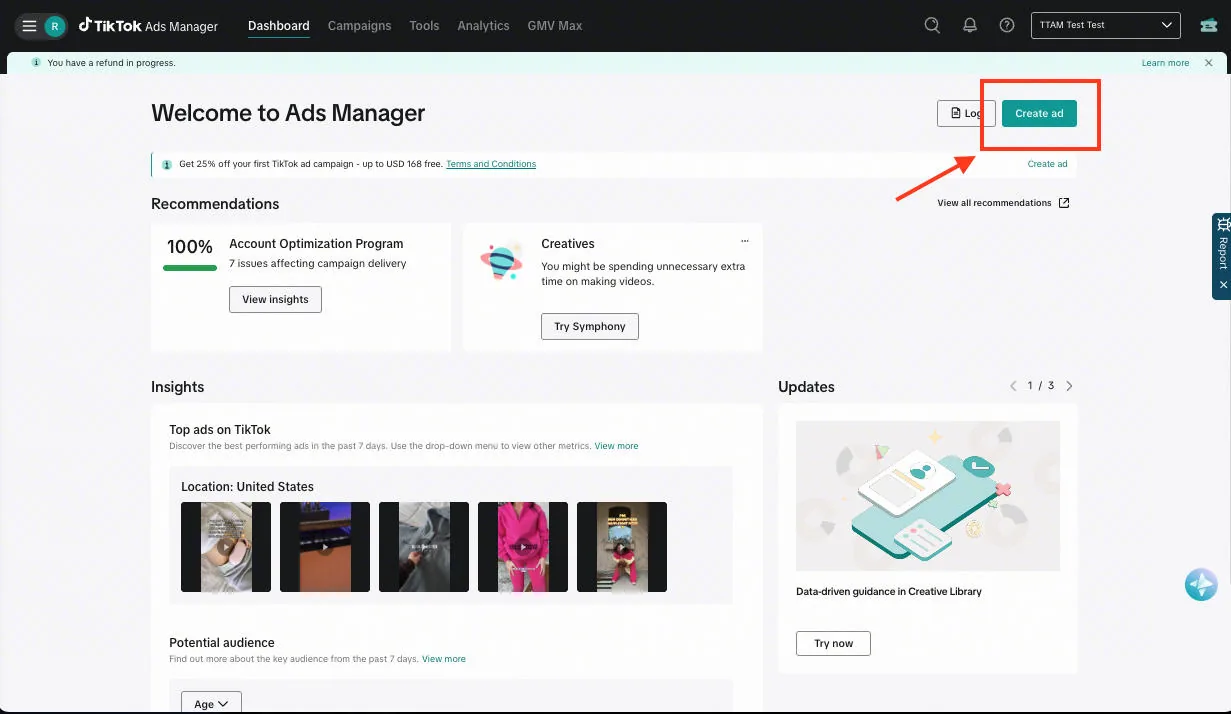
- Same day, before a card goes on: ticket icon or Tools → Payments → Promotions → Earning.
- Empty Earning tab = you are not in the program. Stop.
If Promotions is empty after you already spent, that is a different page: credit not showing.