
Verified 15 September 2026.
A TikTok ads coupon is a spend-match on a new Ads Manager account. It is not 45% off checkout. It is not a store voucher.
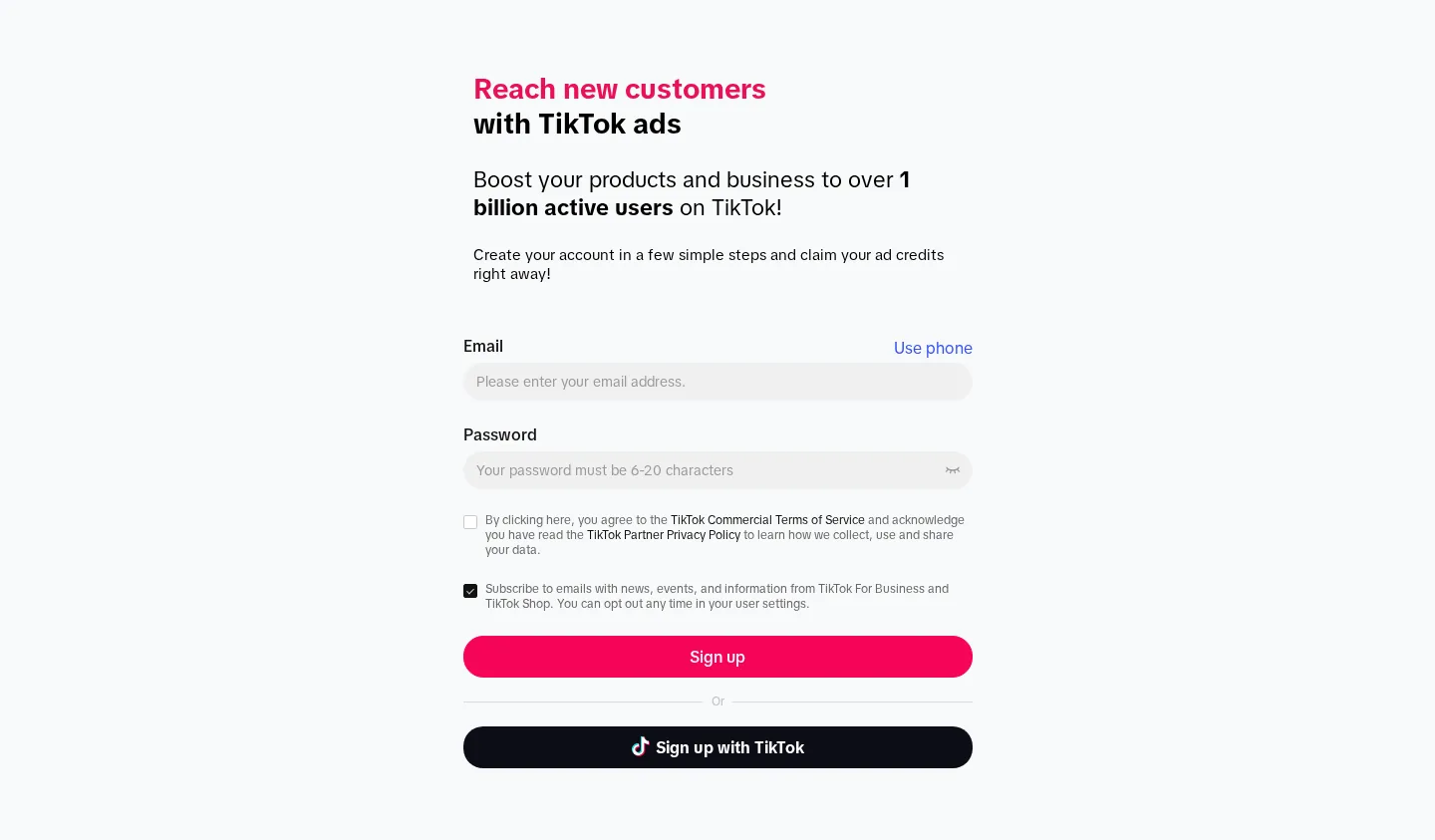
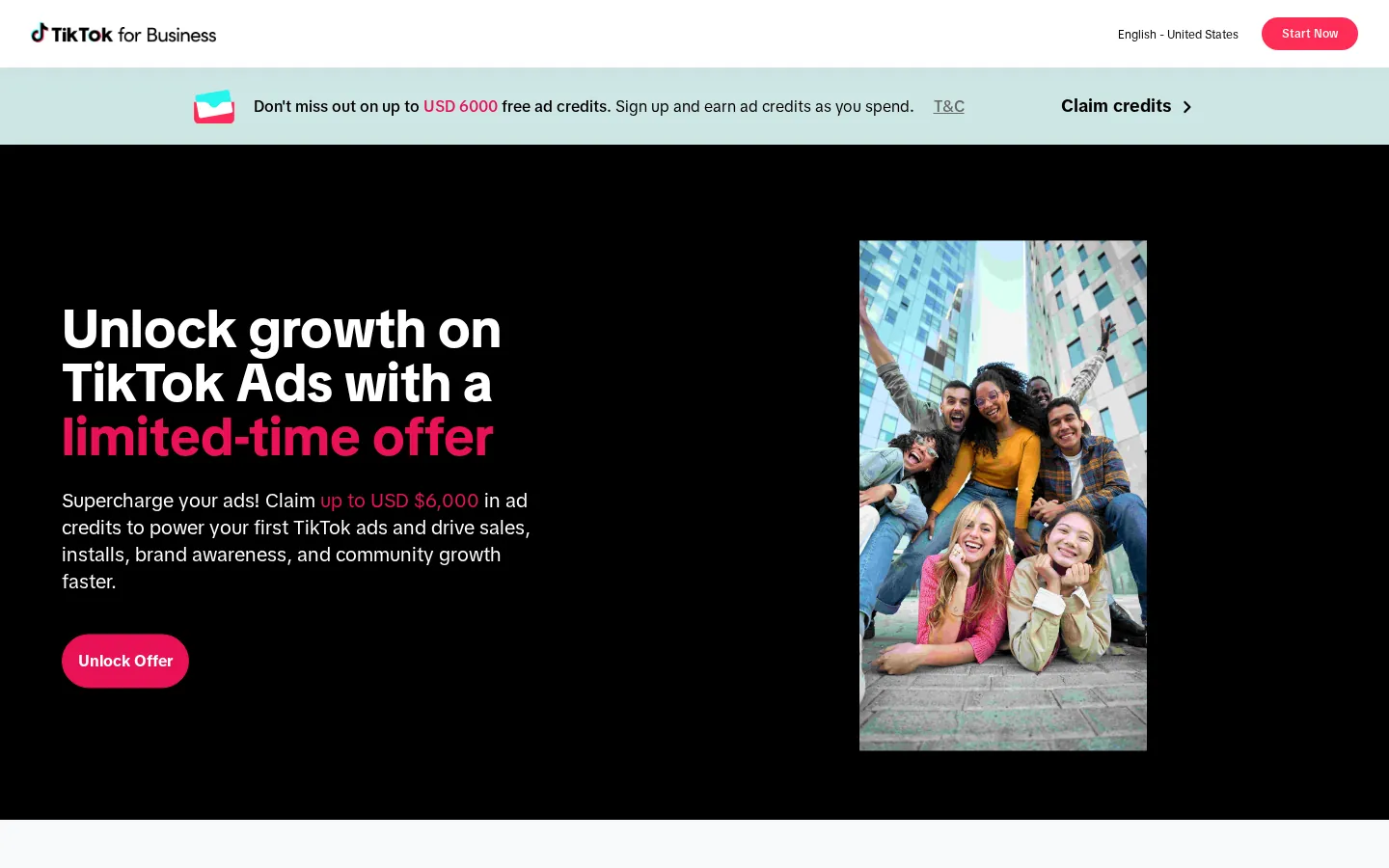
Use our exclusive coupon deal: you open Ads Manager through the partner page, spend cash in the first 30 days after registration, and TikTok returns the same amount as ad credit. $200 back on $200. Up to $6,000 back on $6,000. Combined media at the top tier is $12,000. Credit stays inside Ads Manager. It is not cash.
Some APAC markets also issue a paste-able code to your advertiser ID — mainly Vietnam, Japan, Taiwan, Malaysia, Indonesia and Thailand. That redeem path is lower on this page.
What TikTok itself calls a coupon
Official Help: a coupon is “a time-limited discount token, introductory offer token, or a form of advertising credit.”
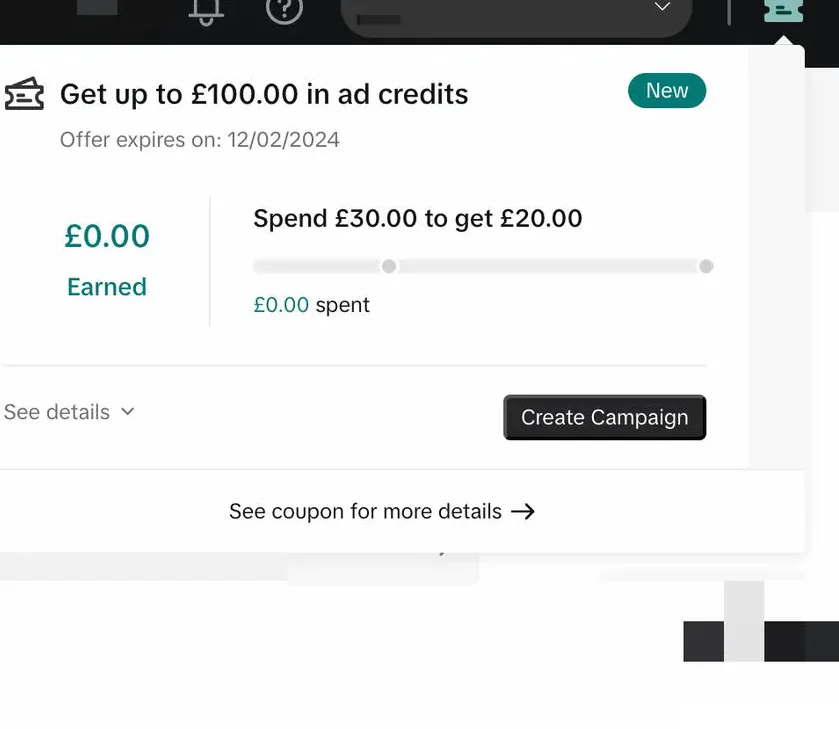
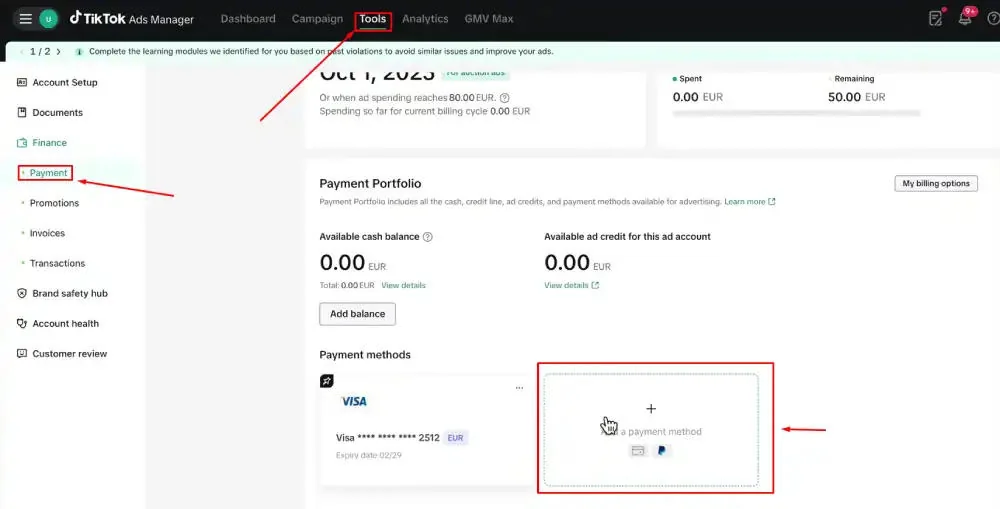
You find yours under Tools → Payments → Promotions (some builds label the same screen Billing). A ticket icon at the top right of Ads Manager opens the same card.
| Type | How it spends | What you do |
|---|---|---|
| Free credit | Auto-applies. Consumed before cash | Nothing. Watch Unused amount |
| Assignable credit | Dead until an admin assigns it to a campaign | Admin only. Edit “Assign to Campaign” |
| Conditional credit | Fires only when the card’s conditions are met | Read Restrictions before you launch |
Status labels: Redeemed, Active, Expired, Invalidated, Empty.
Two mechanics sit on top of those types:
- Ladder (Spend X, Get Y). The partner-link offer. This table below.
- Percentage (a% off, up to b). A cut off each charge until the cap is used. Common on APAC Messaging Ads. Different card. Do not add those percentages to the $6,000 table.
The 7-step claim path lives on how to claim TikTok ads credit. Why nothing hits a bank lives on cashback vs credit.
Live ladder
| Out-of-pocket spend in 30 days | Coupon issued | Combined media | Lands |
|---|---|---|---|
| $200 | $200 | $400 | Day 31, then 1–7 business days |
| $500 | $500 | $1,000 | Day 31 |
| $1,000 | $1,000 | $2,000 | Day 31 |
| $4,000 | $4,000 | $8,000 | Day 31 |
| $6,000 | $6,000 | $12,000 | When you cross $6,000 |
- Clock starts at account creation, not first impression.
- Highest tier only. $1,100 cash → $1,000 coupon.
- Credit you receive cannot be spent to unlock the next tier.
- Only paid bill / consumed top-up counts. Tax does not. Existing promo credit does not.
- One coupon per TikTok For Business account.
- Shop-linked and agency / Business Center–created accounts are often blocked.
Eligibility · Countries · How to claim
Is there a TikTok ads promo code?
The $6,000 match attaches when you sign up through our coupon deal. Nothing to paste for that ladder.
Ads Manager does have a Redeem Coupon button. That button is for a code TikTok already issued to that advertiser. It will not accept TIKTOK6000. It will not attach the partner-link ladder after a cold ads.tiktok.com signup.
| You have | What to do |
|---|---|
| No code, want the $6,000 match | Open the partner page before the account exists |
| A code TikTok emailed you or showed in Ads Manager | Activate it first. Then spend. Next section |
When a real code exists (APAC)
Official Help article “How to activate TikTok ads promotional codes” applies to self-serve customers in:
Vietnam, Japan, Taiwan, Malaysia, Indonesia, Thailand.
In those six markets TikTok sometimes emails a code, shows one in Ads Manager, or issues one through a named partner. The code is tied to your advertiser ID. It is not a public pool.
Redeem path
- Log in to TikTok Ads Manager.
- Open Tools.
- Under Settings, open Billing (some builds still say Payments).
- Click Redeem Coupon in the upper-right corner.
- Paste the code. Click Activate.
- A progress bar appears on the Ads Manager home.
Rules that only apply to this UI:
- Activate within 14 days of receiving the code.
- Spend before activation does not count. Official example: 10,000 JPY spent before you paste the code is ignored.
- Credit can take several hours to show after you hit the threshold.
Read the terms on that card. Do not assume it is the $6,000 1:1 ladder. Some regional cards are “a% off, up to b.”
Vietnamese searchers: mã giảm giá tiktok is Shop buyer vouchers. Advertiser language is mã giảm giá tiktok ads / phiếu ưu đãi / tín dụng quảng cáo. Local page: TikTok ads Vietnam.
Codes that never work
| String / pattern | Why it fails |
|---|---|
TIKTOK6000 / TIKTOK2026 |
Invented. Not issued to an advertiser ID |
SAVE20 / WELCOME100 |
Store-coupon inventory |
| “45% off any order” | Shop-buyer / SaaS-checkout language |
| “$10 off new users” | Same |
| BF-style farm codes | Pointed at getstarted.tiktok.com as if it were Shopify |
| Generator / survey-gate “codes” | TikTok validates server-side. Generators cannot mint IDs |
| Telegram / WhatsApp screenshots | Already redeemed, regional, or phishing |
A failed redeem returns an error or does nothing. It does not quietly attach the $6,000 match.
If you already created an account on ads.tiktok.com with an empty Promotions tab, Redeem Coupon will not backfill the partner-link offer. Support generally cannot attach it later. A second advertiser under the same TikTok For Business login does not get a second chance.
Assignable coupons
A sales rep, makegood, or Joint Business Plan can issue an assignable coupon. It shows on Promotions with an “Assign to Campaign” column. Only an admin can allocate it. New self-serve advertisers will not see this on day one. You want the ladder on the partner link, which usually arrives as free credit and auto-applies.