
Verified 15 September 2026.
Searchers land here looking for “TikTok AMEX $100 credit.” That was a separate US program, not a rung on the self-serve $6,000 match.
Official Help article “AMEX Coupon Program” (last updated February 2025) still describes the #ShopSmall 2022 wave:
- US new TikTok advertiser only
- Enroll on a dedicated American Express landing page with your 10-digit Ads Manager ID
- Enrollment cutoff in that wave: 24 December 2022, 11:59pm ET
- After the offer-details email: spend $50 (tax/fees excluded) within 28 days
- $100 promotional ad credit in 1–2 days
- That wave’s credit expired 31 January 2023
- Non-transferable, not cash, one Ads Manager
That card is not a live public 2026 offer. Do not budget $100 as if AMEX will print it this month.
The live self-serve match is the partner-link ladder: coupon. US layer: TikTok ads USA.
How the two programs differ
| Historic AMEX coupon | Self-serve $6,000 ladder | |
|---|---|---|
| Who | US new advertiser + AMEX landing + form | New self-serve TTAM, many countries |
| Spend trigger | $50 after the email | $200 / $500 / $1,000 / $4,000 / $6,000 in 30 days from registration |
| Credit | $100 | Match the tier |
| Attach | Form + 10-digit ID | Partner page at account creation |
| Status Sep 2026 | Official article still shows 2022 dates | Live if the partner banner is on |
Do not add $100 to the $6,000 table. Do not tell finance you have both until Promotions shows both cards.
How to check if a new AMEX wave exists
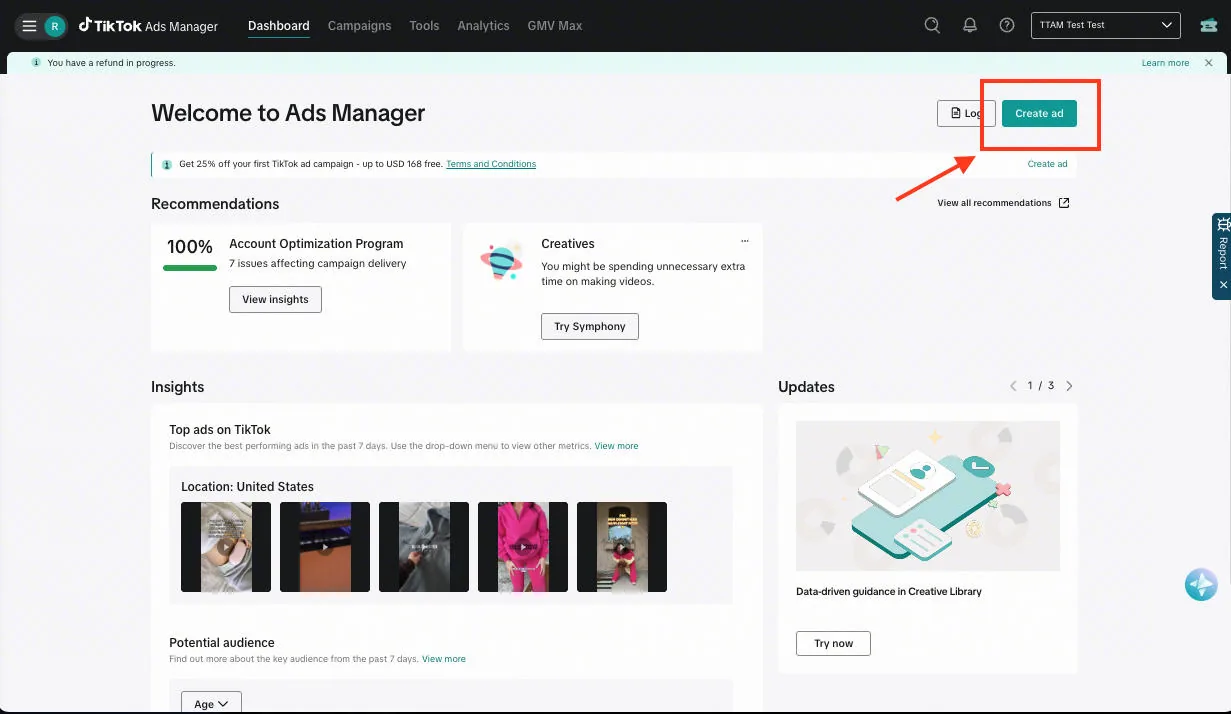
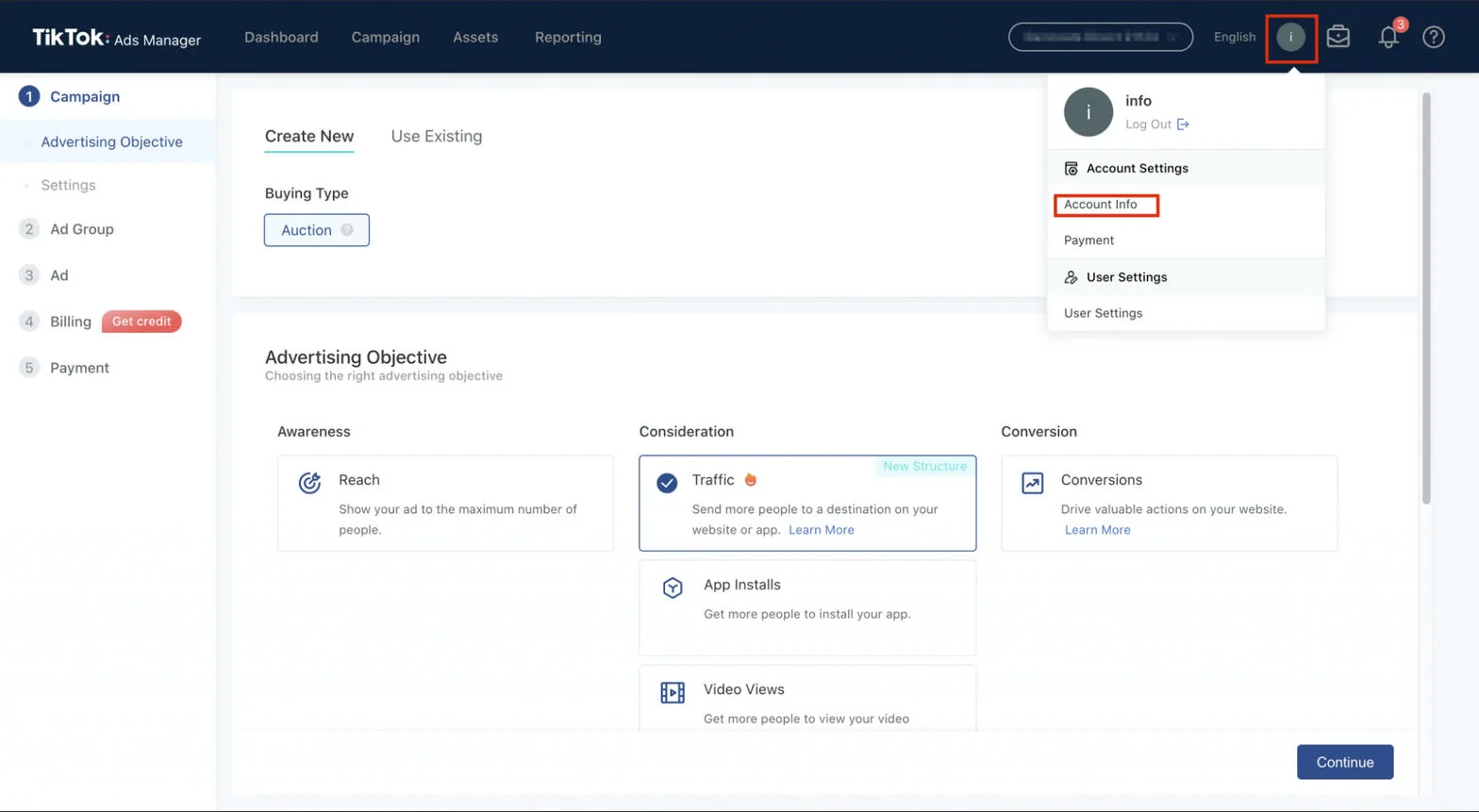
- Open Ads Manager → Tools → Payments → Promotions.
- Look for an AMEX-named card or a $100 “spend $50” condition.
- Search your Amex app Offers tab for TikTok. Card-network offers are statement credits, not Ads Manager credit. Different money.
- If a new TikTok×AMEX landing appears from American Express or TikTok For Business, read that page’s dates. Ignore 2022 Help as a live contract.
If Promotions is empty of AMEX and the partner banner shows the $200–$6,000 ladder, you have the ladder only.
What US operators should do instead
- Take the partner-link match if the account is new.
- Pay the qualifying spend with a card that already rewards ads. Amex Business Gold 4x on US online advertising is a card rewards play, not a TikTok coupon. It does not attach Promotions credit.
- Do not open a second Ads Manager to “get AMEX plus the ladder.” Eligibility.
Why 2022 Help still ranks in 2026
Google still surfaces “AMEX Coupon Program” because the Help article was not taken down. Last Help update we cite: February 2025, describing 2022 dates.
| Date on that Help article | What it meant |
|---|---|
| Enroll by 24 Dec 2022, 11:59pm ET | Enrollment window closed |
| Spend $50 within 28 days of the offer email | Trigger for that wave only |
| Credit expired 31 Jan 2023 | That credit is gone |
Blogs that reprint “spend $50 get $100” without the year are ranking on a dead card. Finance teams paste those numbers into 2026 budgets. Do not.
If a new TikTok × American Express landing appears, read that page’s dates. Ignore 2022 Help as a live contract.
Statement credit vs Promotions vs card rewards
Three different piles of money. None of them automatically stack.
| Source | Where you see it | What it is |
|---|---|---|
| Promotions earning card | Ads Manager → Tools → Payments → Promotions | TikTok ad credit (ladder, AMEX wave, seasonal) |
| Amex Offers tab | American Express app / website | Statement credit from Amex. Never in Promotions |
| Card-earn multipliers | Card rewards portal | Points/cashback from the issuer. Not a TikTok coupon |
Do not pause a live $6,000 earning window to chase a $100 statement offer. Do not open a second Ads Manager to “get AMEX plus the ladder.” Eligibility.
US layer: TikTok ads USA. Live self-serve match: coupon.
What to send finance
One paragraph:
The historic TikTok × AMEX coupon (spend $50, get $100) is a 2022 US program. Official Help still describes those dates. It is not a rung on the 2026 partner-link $6,000 spend-match. We will only book AMEX if Promotions shows a live AMEX-named card. Otherwise we use the partner-link ladder on a new Ads Manager.
Then attach a day-0 Promotions screenshot.
How to tell which card you actually have
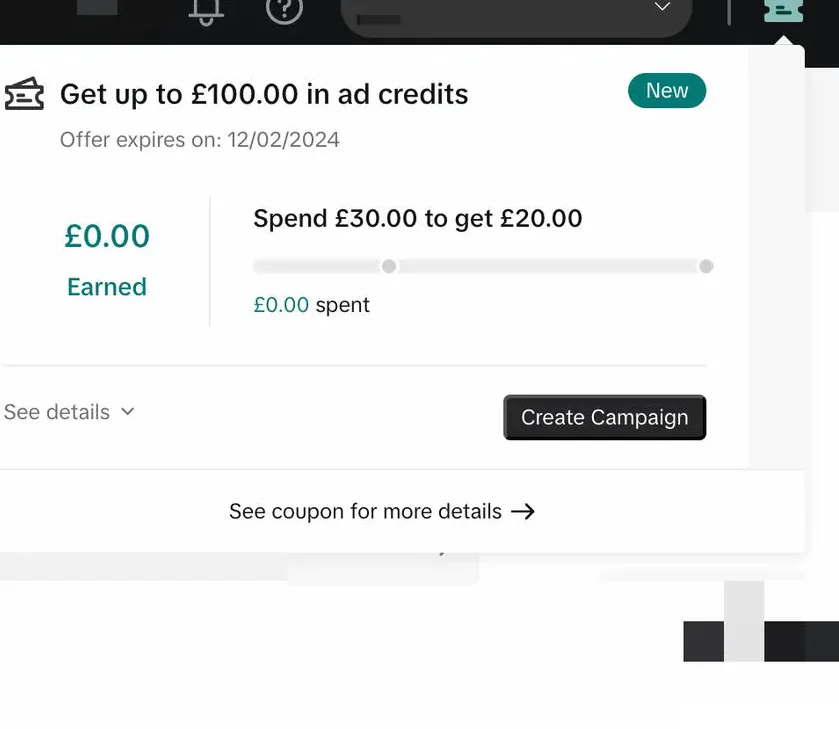
Open Ads Manager → Tools → Payments → Promotions. Read the title and Restrictions.
| Card title (examples) | Program | What to do |
|---|---|---|
| Spend $50 get $100 / AMEX / Shop Small | Historic AMEX wave | Only if dates are still in the future. Unlikely in 2026. |
| Spend $200 / $500 / $1,000 / $4,000 / $6,000 | Partner-link SMB ladder | Coupon |
| Percentage off, cap $X | Seasonal / APAC / Messaging | Read that card. Do not add it to $6,000 |
| Empty tab | Nothing attached | Do not invent AMEX. Use the partner page before the account exists |
Card-network “Offers” tabs (Amex, Chase) are statement credits. They never appear in Promotions. Do not pause a live $6,000 earning window to chase a $100 statement offer.
US-only page: TikTok ads USA.